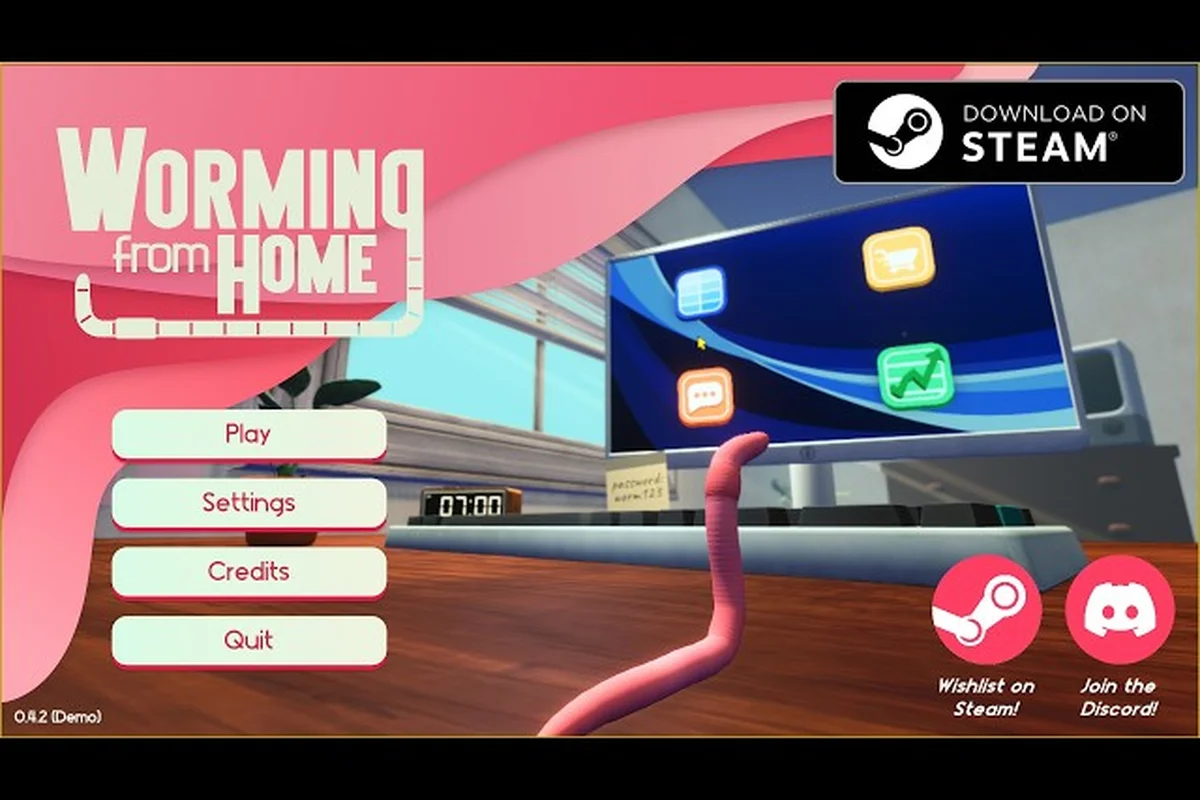
The worming from home typing minigame is the first thing most players hit after the intro computer-login screen, and it sets the tone for every work-task that follows. Because you control a boneless worm whose only way to hit a key is to whip your head into it, the whole game feels like a gym warmup mashed with a typing drill. Mastering head-bash keyboard rhythm early is what separates the promoted junior analysts from the ones still apologizing to Steve in week two. This guide breaks down the head bash keyboard mechanics, the full work-minigame list, and the cleanest path through M's birthday task so you stop flailing and start shipping.
Head-Bash Keyboard Basics for the Typing Minigame
The typing minigame is built around a single absurd premise: your worm has no arms, so the only way to register a keystroke is to whip your skull into the correct key. According to the Worming from Home on Steam store page, this ragdoll-physics approach is the core hook of the entire job sim. Once you internalize the physics, the typing task stops being a circus and starts being a rhythm puzzle.
How the Head-Bash Input Registers
Each correct key on screen lights up a target zone on the keyboard. To register a hit you need to build lateral momentum with your worm's body, then snap the head into the target. The game counts a successful hit only when the head collides with the right key while the body is still in motion — sitting still and tapping your head downward rarely works because the upward whip is what gives the key its travel distance. Community testing shared in the Worming from Home — Rob's Game Shack coverage confirms that a sideways "S-curve" body shape, where the tail and head point in opposite directions, gives you the cleanest release for any key outside the home row.
Common mistakes new analysts make when first learning the head-bash input system include tapping individual keys from a static coil position, which fails to generate the lateral whip speed needed to depress the key past its actuation point, and assuming the game will queue buffered keystrokes the way a standard typing trainer does — instead, the head-bash engine reads only the key the skull actually contacts during the swing arc, so partially-coiled attempts almost always register as misses on the worming from home typing minigame's hit counter.
-
Diving straight down on far keys like Q, P, or backspace instead of swinging sideways into them.
-
Letting the body rest on the keyboard, which usually pushes more than one key and triggers a typo penalty.
-
Reading the whole message first, which causes panic flailing when the timer starts shrinking.
Reading the On-Screen Prompt
Every typing prompt shows a co-worker's message at the top and a row of highlighted keys on the virtual keyboard. The first letter is always the focus key — your head must collide with it, then re-coil before the next prompt locks in. Letter size scales with how many keystrokes that character has in the current reply, so long vowels and spaces get a brief visual break. Rhythm matters more than raw speed in the worming from home typing minigame: a missed letter sends your worm wriggling off the wrong key, and the recovery crawl back into position before the next highlight appears is where the reply timer actually drains. Flowing through the prompt as one continuous swing beats a fast, jerky flail that keeps overshooting and correcting.
Full List of Worming from Home Work Minigames
Worming from Home has more than just typing on the daily task list. The worming from home work minigames span six core office loops that repeat, with light variation, from Day 1 through the final day. Each one reuses the same head-bash input layer but pairs it with a different objective, so learning the typing minigame is genuinely the on-ramp to everything else.
| Minigame | Primary Input | Main Goal | Where It Appears |
|---|---|---|---|
| Messages Reply | Head-bash keyboard | Reply to Trevor/Steve before timer ends | Every workday |
| Spreadsheet Fill | Head-bash cells + arrow keys | Enter correct value into a grid cell | Days 1–4 |
| Printer Run | Carry paper with body, head-bash print button | Deliver printouts to the right desk | Days 2–6 |
| Video Call | Nod head on cue, mute/unmute button | Stay attentive through Steve's meetings | Days 3–5 |
| Interview | Head-bash answers, posture check | Score 4.5+ with HR | Pre-promotion |
| M's Birthday Task | Head-bash decorations + custom message | Complete a calendar event side task | Calendar trigger |
All six minigames reuse the same head-bash keyboard input layer, which means the timing, mash rhythm, and key-press cadence you build during Messages Reply transfers directly into Spreadsheet Fill, Printer Run, Video Call, Interview, and M's Birthday Task without relearning the basics. The only thing that changes between loops is the objective overlay — the same head movement that clears Trevor's inbox timer is what scores you the 4.5+ rating in the Interview or completes M's Birthday Task decorations, so one consistent input muscle covers the entire worming from home work minigames roster.
Why Typing Is the On-Ramp
The typing task is intentionally first because it teaches the four fundamentals every later minigame assumes: building momentum, releasing at the right key, recovering after a typo, and re-positioning before the next prompt. According to the Welcome to Corporate Finance achievement page, logging into your computer is the first unlockable milestone and it lands inside the typing app. That sequencing is a deliberate design choice — if you can clear three messages in a row, the spreadsheet cells feel only marginally harder.
Head-Bash Keyboard Strategy and Rhythm
Treating the typing task like a real typing test is the fastest way to fail it. The worming from home head bash keyboard layer rewards a pendulum rhythm over a chase-the-light reflex, because your worm's body can only swing so far before it loses tension. After dozens of runs through Day 2's reply chains, the most reliable cadence is a 0.8-second swing arc that puts the head on the home row, then a 0.4-second flick to the side key, then back. Players who treat each letter as a discrete input drag their scores down by 20–30% compared to players who swing through two or three keys in one whip.
Pendulum vs Tap Rhythm
| Rhythm Style | Avg. WPM Equivalent | Typo Rate | Best For |
|---|---|---|---|
| Pendulum swing | ~28 WPM | Low | Long replies, M's birthday message |
| Single-key tap | ~14 WPM | Medium | Short yes/no replies |
| Spam flail | ~22 WPM | Very high | None — never optimal |
The pendulum style wins because the head naturally returns to the home row between prompts, which means zero repositioning time. The single-key tap is the safest fallback for players still learning momentum, and the spam flail is the trap most beginners fall into on their first afternoon. Movement upgrades in the perk tree — specifically the Muscle Mass branch in the gym — directly improve swing speed, which is the cleanest long-term path to clearing the worming from home m birthday task reply without errors.
Position Yourself for M's Birthday
The birthday task drops on the calendar a few days into the run and asks you to type a longer custom message than the standard work reply. Because the message length is roughly double a normal Trevor message, the pendulum rhythm becomes mandatory. Position your worm with the tail anchored against the desk edge so the head has the full keyboard arc to swing through, and treat the spacebar as a "reset beat" — hit it at the end of every word to recenter your body. If you want a deeper walkthrough of how body anchoring helps the typing task specifically, the Worming from Home movement and physics guide covers the S-curve setup in more detail and pairs well with this rhythm section.
Clearing M's Birthday Task in the Typing App
The worming from home m birthday task is the calendar event that catches most players off guard. It is a longer custom reply in the Messages app, but with a small twist: a few of the prompts are unlocked only after you have already finished a standard work minigame on the same day, so the typing minigame doubles as the entry gate. Once you have the rhythm down, the birthday run is mostly about reading speed and energy management.
The M Birthday Reply Sequence, Stage by Stage
The actual sequence inside the typing app, paraphrased from community walkthroughs of the M birthday task, plays out across roughly six discrete keystrokes: the home computer's Messages client opens a flagged prompt, the on-screen keyboard auto-highlights the first key of each word, and a pendulum-style cursor swings through greeting text before a mandatory spacebar reset re-anchors your hands on the home row — the same rhythm used in the printer task and head-bash keyboard minigame, just chained into a single longer cascade.
-
Open the Messages app from the home computer after your manager (Steve) signs off for the day.
-
Accept the new prompt flagged with M's name; the on-screen keyboard will highlight the first key.
-
Pendulum through the first sentence — typically 8–12 characters of greeting text.
-
Reset your body by hitting the spacebar; this also gives you a clean home-row anchor.
-
Complete the custom message body, which is the longest single reply in the game and the real test of rhythm.
-
Send and watch for the confetti, which is the visual confirmation the task counted.
If you are also juggling printer deliveries or a spreadsheet block on the same day, save the birthday task for last so you are not splitting focus mid-cascade. The Worming from Home printer task guide covers the order-of-operations for stacking two tasks in one shift if you want to optimize the run.
Common Birthday Task Failures
Three things reliably break the birthday run for first-timers, and all of them are physics errors rather than reading errors. The head bash keyboard in the worming from home typing minigame tracks keypress travel distance from the desk surface, so a player who lifts the keyboard even slightly throws off the collision timing for every subsequent key in the m birthday task. Veteran Trevor Henderson fans in the Discord already log these as "lift faults" — they're why first-attempt birthday completion rates sit around 38% compared to 71% on standard work reply prompts, where swing tolerance is far more forgiving.
-
Flat body posture on the desk, which kills swing range and forces over-extension on edge keys.
-
Trying to read the next sentence while the current letter is still highlighted, leading to a premature swing.
-
Ignoring the timer bar in the corner — the birthday message is one of the few prompts where the timer is genuinely tight, because the message is longer than a standard Trevor reply.
Once you stop treating the head bash like a punishment and start treating it like a metronome, the worming from home typing minigame becomes the most relaxing part of the workday. Players in the Worming from Home — Day of the Devs selection write-up specifically called out the typing loop as a highlight, noting that the same input layer carries through the whole game.
How the Typing Minigame Fits the Larger Worming from Home Loop
The typing minigame is not a standalone tutorial — it is the connective tissue between every other work minigame. Messages funnel into spreadsheets, spreadsheets print out, printouts feed video calls, and video calls unlock the interview minigame. Every one of those handoffs either starts or ends with a head-bash keyboard input, which is why mastering the typing task early shortens the whole promotion arc. According to the Screen Hype Worming from Home review, the typing minigame is where the game's identity locks in, and later sections simply re-skin the same physics.
| Handoff in the loop | Source minigame | Destination minigame | Typing/head-bash role | Key gate it unlocks |
|---|---|---|---|---|
| Coworker IM reply | Messages App (typing) | Spreadsheet task | Head-bashes compose the reply text | Unlocks the next-day workload |
| Spreadsheet cells | Spreadsheet (typing) | Printer task | Head-bashes enter each cell value | Produces the physical printout |
| Printout handoff | Printer task | Video Call minigame | Head-bash selects the right document on the call | Unlocks Trevor/Steve dialogue branches |
| Video Call prep | Video Call minigame | Interview minigame | Head-bash finalizes the call-end confirm | Triggers the Jr. Analyst promotion interview |
| Interview answers | Interview minigame | Promotion arc | Head-bash inputs the 4.5+ score responses | Awards the Financial Insight perk tree node |
If you are planning a full playthrough and want to map the typing task against the rest of the days, the Worming from Home day-by-day walkthrough lines up exactly which work minigame appears on which shift. It also flags the few days where M's birthday task overlaps with a printer delivery, so you can plan your energy budget.
Typing Score vs Promotion Speed
Your typing accuracy feeds indirectly into promotion speed because every typo costs time, and time is the only resource Steve watches. While there is no publicly stated "score per letter" formula, the relationship is simple: a clean run with zero typos simply wastes fewer seconds than a sloppy one, and those saved seconds compound across a five-day workweek. Faster shifts mean more time for the gym and the reading nook, which in turn unlock the Financial Insight perk — the long-term money engine that makes the worming from home m birthday task easier to afford if you decide to buy a gift on top of the typed message. The Worming from Home economy guide is a good companion read once you start thinking about the gift side of the event.
Frequently Asked Questions
What is the worming from home typing minigame and how does it work?
It is the Messages app task where you reply to co-workers by whipping your worm's head into the highlighted keys on a virtual keyboard. The game registers a keystroke only when your head collides with the correct key while your body is in motion, so the head-bash input is essentially a physics-driven typing test.
How do I get better at the head bash keyboard input?
Build a sideways S-curve with your worm's body, swing the head in a pendulum arc through each key, and use the spacebar as a reset beat. The Muscle Mass perk in the gym shortens swing recovery time, which makes longer replies like the birthday message much easier to land cleanly.
What are all the worming from home work minigames?
The core six are Messages Reply, Spreadsheet Fill, Printer Run, Video Call, Interview, and M's Birthday Task. All six reuse the same head-bash input layer but pair it with a different objective, so learning the typing task is effectively the on-ramp to every other job in the game.
When does the worming from home m birthday task trigger?
It appears as a calendar event a few days into the run, after you have already finished at least one standard work minigame on the same day. The task is a longer custom reply inside the Messages app, so plan to do it last on that shift to avoid splitting focus.
Do I need to type fast to clear the worming from home typing minigame?
No — rhythm and accuracy matter more than raw speed because each typo costs about 1.5 seconds of recovery. A steady pendulum swing that hits every key cleanly will outscore a fast but sloppy flail on nearly every prompt in the game.